// Game Dev
World Marker System
A high-performance Unreal Engine 5 plugin for on-screen world markers (objectives, targets, points of interest), written in C++ and fully exposed to Blueprints. Published on Fab.
- Category
- Game Dev
- Role
- Plugin developer
- Client
- MageIT
- Year
- 2026
- Unreal Engine 5
- C++
- Blueprints
- UMG
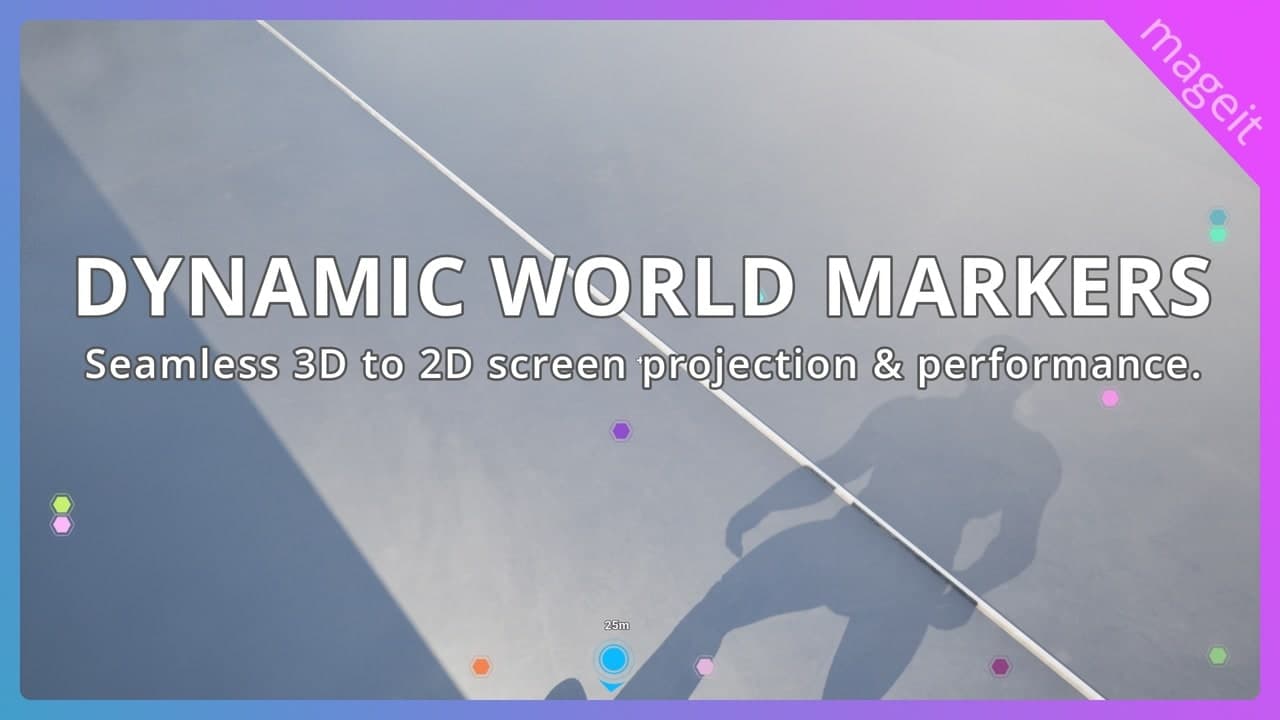
World Marker System is an Unreal Engine 5 plugin that projects markers from the 3D world onto the player's screen: quest objectives, targets, pickups, teammates, anything that needs an on-screen indicator. The core logic is written in C++ for performance, and everything is exposed to Blueprints, so markers can be built and styled without writing code.
It is published on Fab under my MageIT label and supports Unreal Engine 5.5 to 5.8 on Windows, macOS and Linux.
How it works
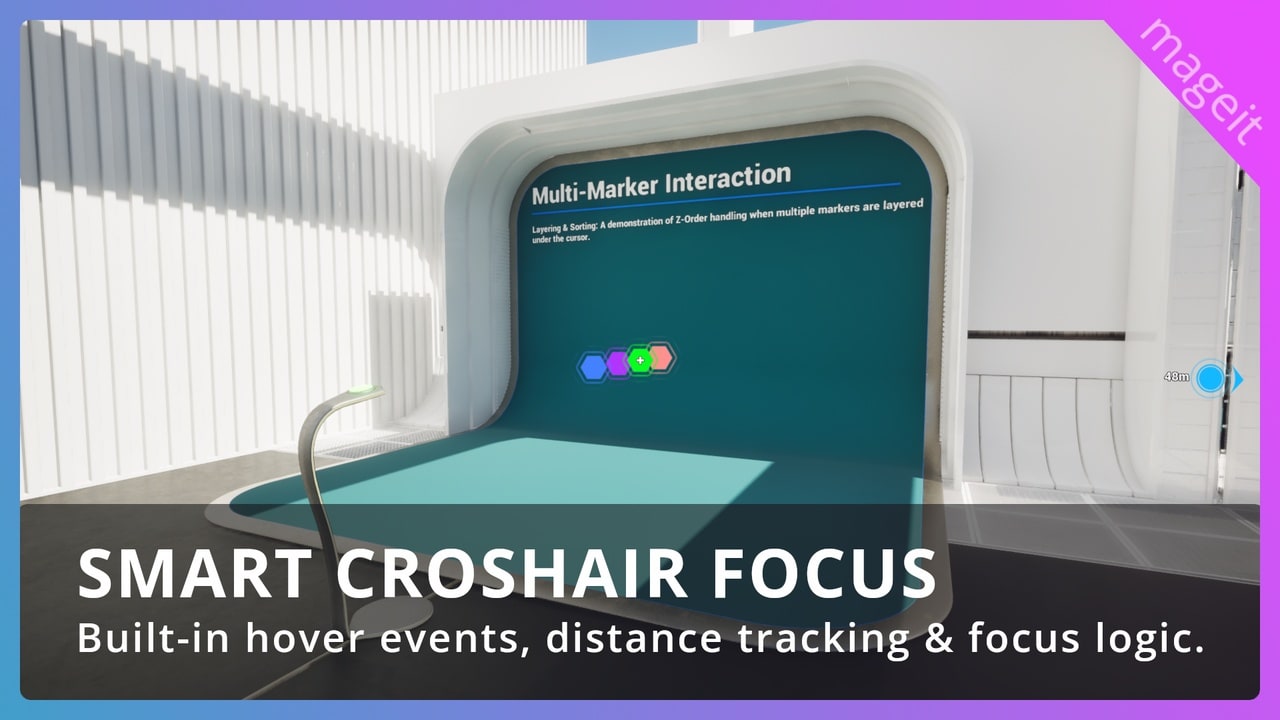
- Marker manager subsystem: updates every marker's screen position and Z-order by distance to the player, tracks whether it is on screen, off screen or inside the crosshair focus area, and turns markers on and off by distance.
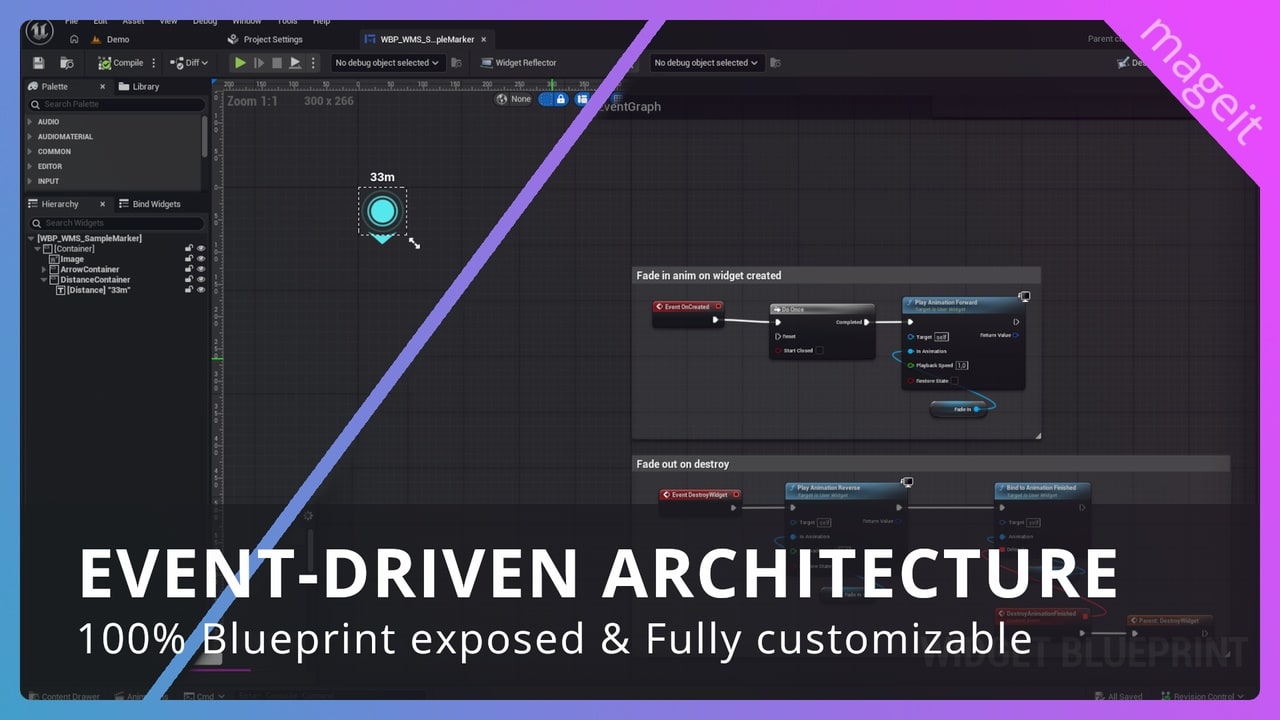
- UMG marker widget: a marker is an ordinary UMG widget built on the plugin's base class. It receives events for entering the focus radius, entering or leaving the field of view, the direction to an off-screen target, distance changes and hover, and those events drive its animation, content and size.
- Marker scene component: places a marker in the world, chooses its widget and decides when it is active: always, on demand from Blueprints or C++, or only within a set distance of the player.
Performance
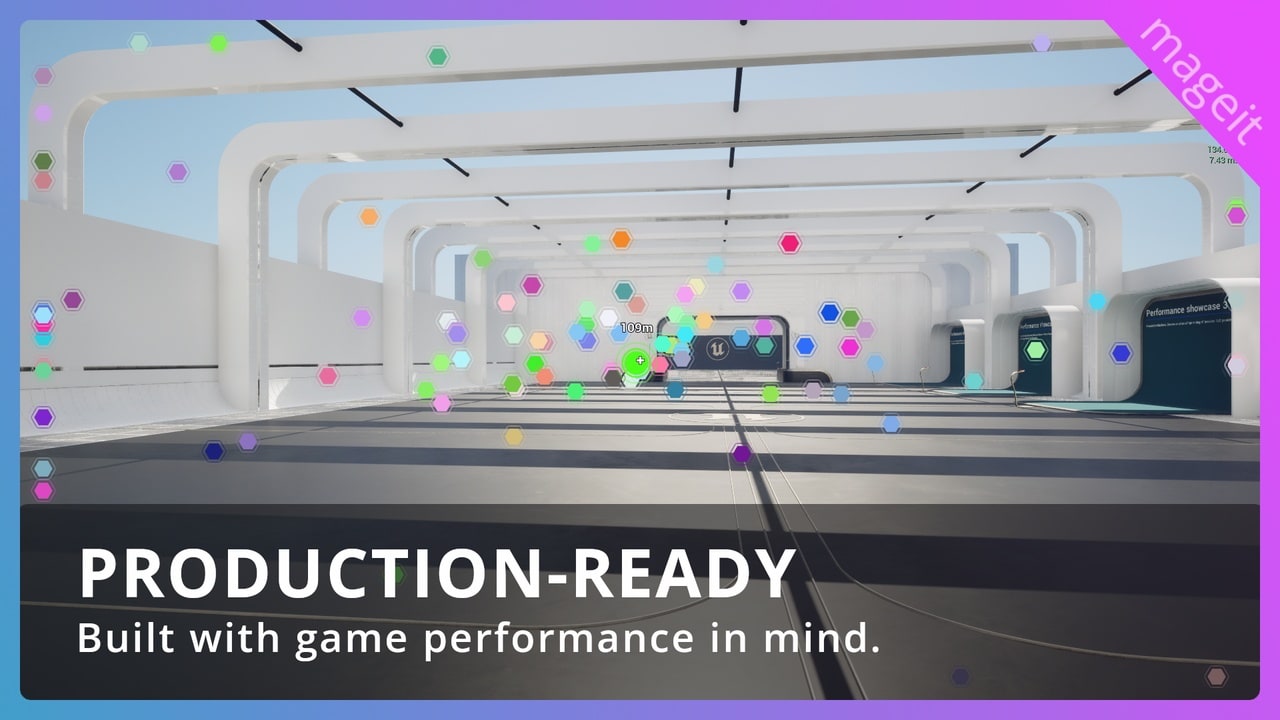
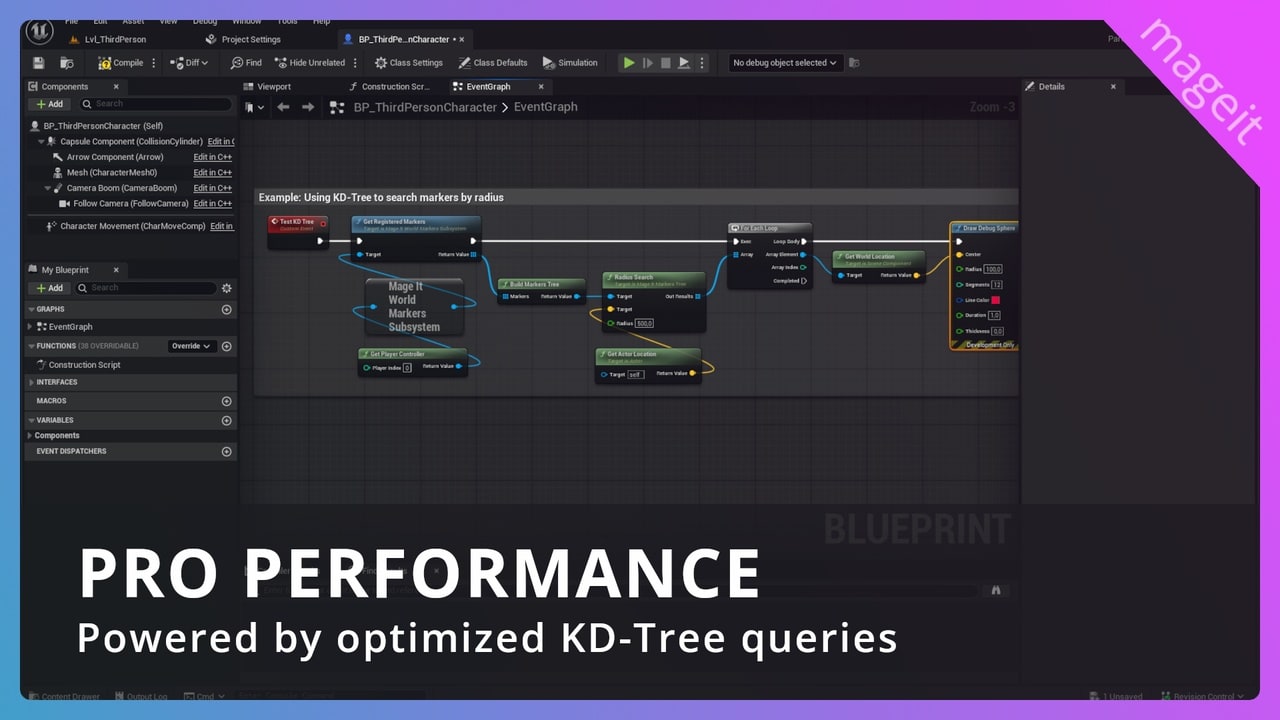
Distance-based visibility has two strategies: a built-in test that processes a chunk of markers per tick, and K-D tree queries for scenes with very large numbers of markers. Marker positions are updated in C++, while designers work only with widget events.
Features
- Markers snap to the screen edge when their target leaves view, with an event that carries the direction to the target.
- The marker closest to the cursor is tracked, which makes tooltips, highlighting, selection and contextual actions simple to build.
- Can be installed at engine level and shared across projects.
- A demo project with ready-made examples of different marker behaviours.